
Video not playing? Watch it on YouTube
· YouTube Short
Excel Pro Tricks: Track In-Stock & Out-of-Stock Items with Excel FILTER Function
Transform your inventory management process with ease! In this video, discover how to use the FILTER function in Excel to dynamically track both in-stock and out-of-stock items as you update your inventory. Make managing your stock not just simpler but also more engaging, and ensure you always have a clear view of your inventory status. This tutorial is perfect for anyone looking to enhance their inventory tracking skills, whether you're managing a small business or overseeing a large warehouse. Learn how to create live, interactive inventory reports that update automatically, saving you time and improving your stock management efficiency. By the end of this video, you’ll be able to: Effortlessly track in-stock and out-of-stock items in real-time. Streamline your inventory updates with dynamic filtering. Improve your inventory accuracy and decision-making. Don’t miss out on this game-changing Excel tip—hit play now and upgrade your inventory management skills today!
Want the templates behind the tips?
Free Excel and Power BI resources you can download.
More videos
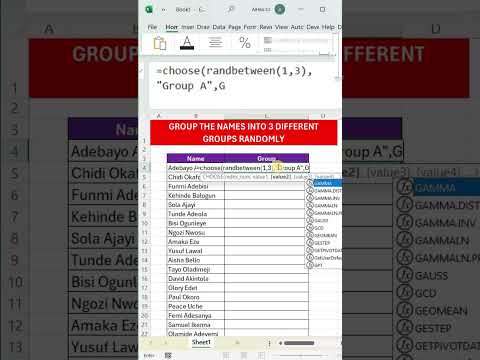
Excel Pro Tips: How to Randomly Assign Groups in Excel – Simple and Fast Method! 🔄📊
Need a quick and efficient way to randomly assign groups in Excel? Whether you're organizing team projects,...
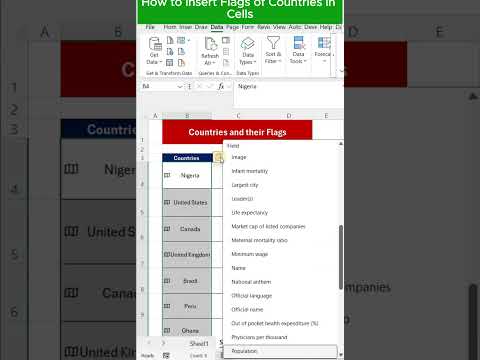
How to Insert Country Flags in Excel Cells – Quick & Easy Tutorial!
Want to make your Excel sheets more visually engaging? Learn how to easily insert country flags directly into...
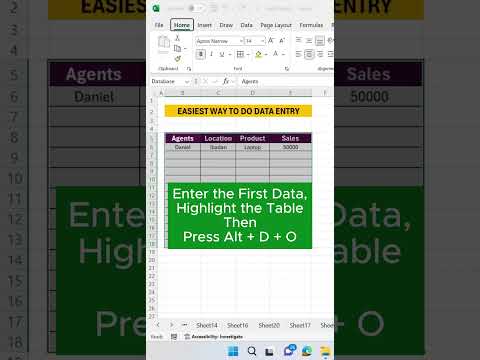
Excel Pro Tips and Tricks: Data Entry Made Easy
Discover the ultimate tips for mastering data entry with this quick and impactful tutorial! Whether you're a...
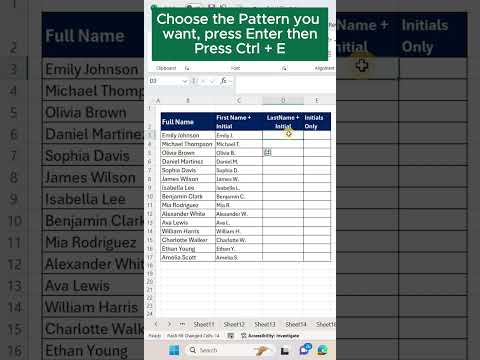
Excel Pro Tricks: Transform Full Names into Initials with Flash Fill Shortcut
Learn how to use Excel’s Flash Fill to quickly change full names into names and initials in just 60 seconds!...