
Video not playing? Watch it on YouTube
· YouTube Short
Excel Pro Tricks and Tips: Excel NETWORKDAYS Function: Calculate Workdays Fast
Need to calculate workdays between dates? Discover how to use Excel’s NETWORKDAYS function in this quick and easy tutorial! Perfect for beginners and intermediate users, this video will guide you through the steps to efficiently calculate the number of workdays, excluding weekends and holidays, in no time. In just a minute, you’ll learn: How to use the NETWORKDAYS function to find workdays between two dates. How to exclude weekends and specify holidays in your calculation. Tips for applying this function in your day-to-day Excel tasks. Watch now and enhance your Excel skills with this essential function for accurate workday calculations!
Want the templates behind the tips?
Free Excel and Power BI resources you can download.
More videos
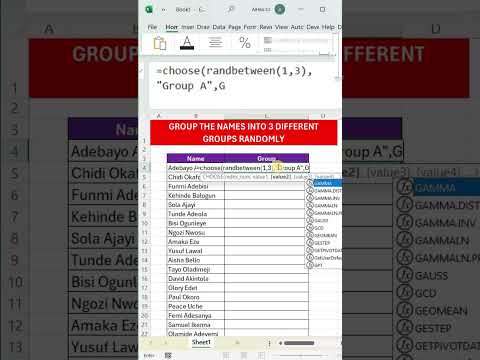
Excel Pro Tips: How to Randomly Assign Groups in Excel – Simple and Fast Method! 🔄📊
Need a quick and efficient way to randomly assign groups in Excel? Whether you're organizing team projects,...
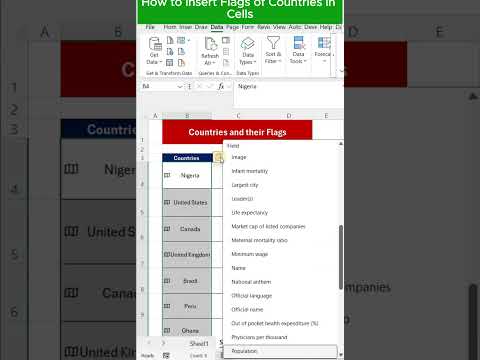
How to Insert Country Flags in Excel Cells – Quick & Easy Tutorial!
Want to make your Excel sheets more visually engaging? Learn how to easily insert country flags directly into...
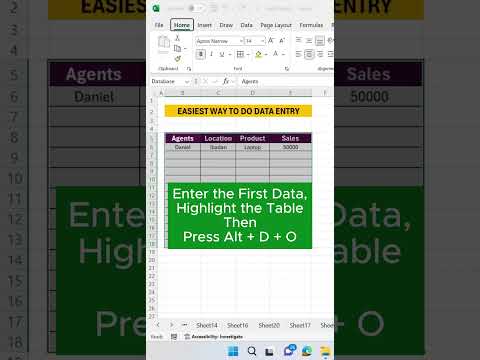
Excel Pro Tips and Tricks: Data Entry Made Easy
Discover the ultimate tips for mastering data entry with this quick and impactful tutorial! Whether you're a...
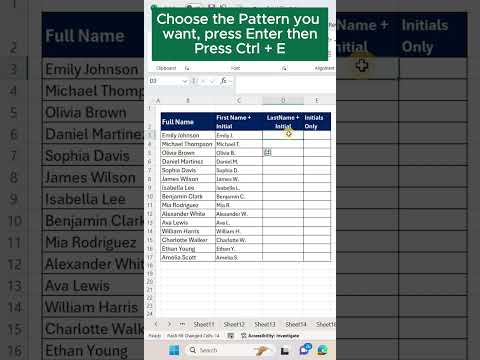
Excel Pro Tricks: Transform Full Names into Initials with Flash Fill Shortcut
Learn how to use Excel’s Flash Fill to quickly change full names into names and initials in just 60 seconds!...