
Video not playing? Watch it on YouTube
· YouTube Short
Excel Pro Tips and Hacks: Extract Days & Months from Dates in Excel | Quick & Easy Guide!
Unlock the power of Excel with this quick YouTube Shorts tutorial on extracting days and months from dates! Perfect for beginners, this video will show you how to use simple functions to break down your date data into day and month components effortlessly. Whether you're managing schedules, analyzing data, or just looking to enhance your Excel skills, this tutorial has got you covered. Learn how to: Use Excel functions to extract day and month from any date. Simplify date data for better analysis and reporting. Apply these techniques to your spreadsheets instantly. Don’t miss out—watch now and take your Excel skills to the next level!
Want the templates behind the tips?
Free Excel and Power BI resources you can download.
More videos
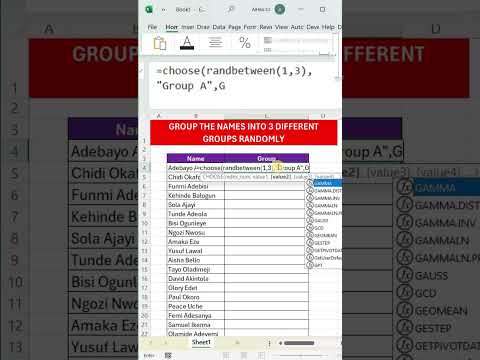
Excel Pro Tips: How to Randomly Assign Groups in Excel – Simple and Fast Method! 🔄📊
Need a quick and efficient way to randomly assign groups in Excel? Whether you're organizing team projects,...
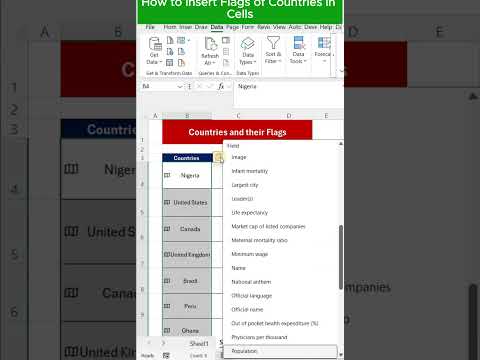
How to Insert Country Flags in Excel Cells – Quick & Easy Tutorial!
Want to make your Excel sheets more visually engaging? Learn how to easily insert country flags directly into...
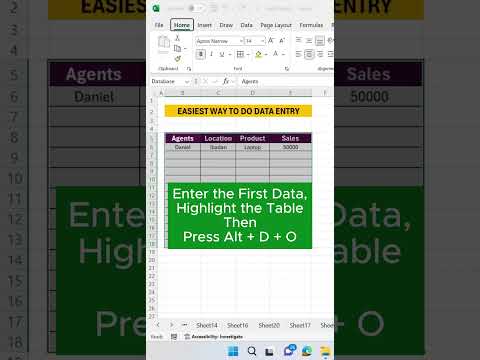
Excel Pro Tips and Tricks: Data Entry Made Easy
Discover the ultimate tips for mastering data entry with this quick and impactful tutorial! Whether you're a...
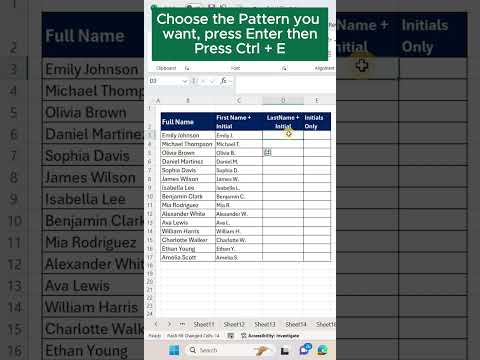
Excel Pro Tricks: Transform Full Names into Initials with Flash Fill Shortcut
Learn how to use Excel’s Flash Fill to quickly change full names into names and initials in just 60 seconds!...